Account and API Key
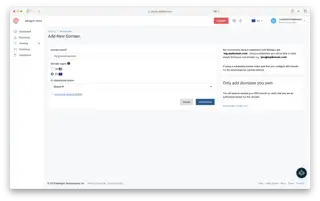
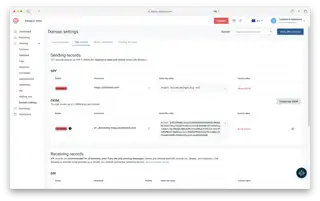
You start by creating a free account with mailgun.com. There you need to generate an API Key and configure a sending domain.
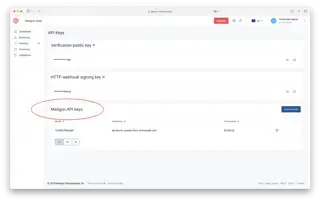
FYI, since this confused me a bit in the beginning: some things in Mailgun are region specific (EU and USA), but the API key is not. It can be found under Account Settings > API Security.
The full API key is displayed only once when you create it. Therefore, copy it right away to your .env file and the equivalent location where you host your app or website. If you lose the key, you will have to delete it and generate a new one.
When you start configuring your Sending Domain you will see something called *Sending API keys *under each domain, that is not the one you need.